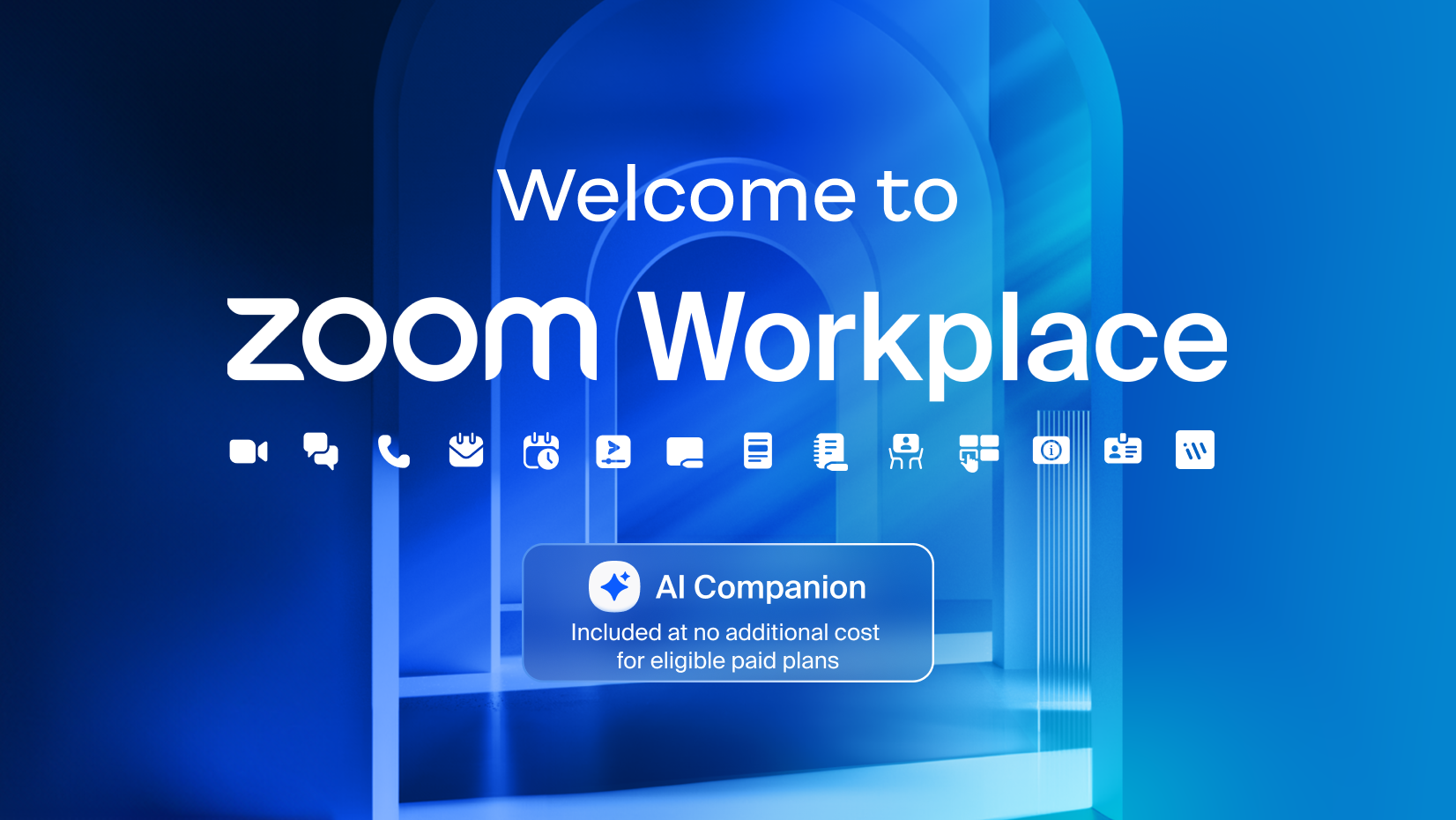
If you’ve ever joined a virtual meeting, chances are you’ve heard of Zoom. But in 2024, Zoom is no longer just about video calls. The company has expanded into something much bigger and more powerful — Zoom Workplace.
Think of it as your digital office: a place where meetings, messages, phone calls, collaboration tools, and even AI helpers all live under one roof. Whether you’re a student, a small business owner, or part of a big corporate team, Zoom Workplace is designed to make remote and hybrid work smoother, faster, and less stressful.
But what exactly is Zoom Workplace? How does it work? And most importantly — how can you use it to actually get work done without tearing your hair out over tech issues?
That’s exactly what we’re going to explore in this beginner-friendly guide.
Who is the CEO of Zoom Workplace?
Zoom Workplace is developed and managed by Zoom Video Communications, Inc., under the leadership of Eric S. Yuan, its founder and CEO. Yuan, who founded the company in 2011, transformed Zoom from a simple conferencing tool into a global platform that powers millions of businesses, schools, and communities. His focus has always been on simplicity, reliability, and innovation. With Zoom Workplace, he is steering the company toward the future of collaboration.
Core Features of Zoom Workplace
Zoom Workplace isn’t just another productivity app — it combines real-time communication, asynchronous collaboration, and artificial intelligence. Its most important features include:
1. Zoom Meetings
High-quality video and audio meetings with features like breakout rooms, live captions, cloud recording, screen sharing, and webinar options.
2. Team Chat
Persistent messaging channels for ongoing conversations. Share files, pin messages, and integrate discussions with meetings and projects.
3. Zoom Phone
A cloud-based business phone system that offers call routing, voicemail, call recording, and integration with CRM tools.
4. Calendar & Mail
Integrated scheduling and email tools that work with Google Workspace and Microsoft Outlook, making it easier to manage availability and book meetings.
5. Zoom Docs & Notes
Collaborative documents directly inside Zoom. Teams can write, edit, brainstorm, and track action items without leaving the platform.
6. Whiteboard
Interactive digital whiteboards for visual collaboration. Ideal for brainstorming sessions, classroom activities, or project planning.
7. Zoom Clips
Short, shareable video messages and screen recordings for asynchronous communication. A faster way to give updates without scheduling live meetings.
8. AI Companion
An AI assistant built into Zoom Workplace that can summarize meetings, draft chat replies, create documents, generate action items, and even suggest scheduling solutions.
Advantages of Using Zoom Workplace
Zoom Workplace provides benefits that go beyond traditional communication platforms:
-
One Platform for Everything – Meetings, chats, documents, and calls are all connected, reducing the need to switch apps.
-
AI-Powered Productivity – Automated summaries, quick search, and task generation save hours of manual work.
-
Cost-Effective – Free and paid tiers make it suitable for both small teams and large enterprises.
-
Cross-Device Access – Works on desktops, laptops, tablets, and smartphones.
-
Time-Saving – Record, clip, or summarize discussions for later, so no one misses important details.
-
Stronger Security – End-to-end encryption and enterprise-level compliance ensure privacy.

Who Uses Zoom Workplace?
Zoom Workplace is designed for nearly every type of user:
-
Students – Access online classes, recorded lectures, and shared documents in one place.
-
Teachers and Trainers – Share whiteboards, clips, and documents to support hybrid learning.
-
Business Professionals – Host client calls, manage projects, and share updates through chat or docs.
-
Healthcare & Legal Experts – Use secure meetings and documents to discuss sensitive information.
-
Creative Teams – Collaborate on whiteboards, brainstorm ideas, and share quick clips.
-
General Users – Connect with friends and family through reliable video and chat.
Why Zoom Workplace Stands Out?
Many apps focus on either communication (like Slack) or documents (like Google Workspace). Zoom Workplace combines both worlds — live video meetings and asynchronous collaboration — enhanced by AI. Its focus on video-first communication sets it apart from competitors while still offering powerful productivity tools.
Unlike ad-driven platforms, Zoom emphasizes privacy and enterprise security. For organizations that already trust Zoom for meetings, extending into its broader workplace suite feels natural.
Free vs Paid Access
Zoom Workplace is available for free with essential features such as meetings (with a 40-minute limit), team chat, basic whiteboards, and clips. Paid plans — Pro, Business, and Enterprise — expand the limits by offering:
-
Longer meetings with more participants
-
Cloud recording and advanced storage
-
AI Companion with full features
-
Enterprise-grade controls and analytics
-
Zoom Phone and premium integrations
This tiered model ensures Zoom Workplace is accessible to small teams, educators, and large organizations alike.
Why Professionals Prefer Zoom Workplace?
For busy professionals, time is everything. Zoom Workplace reduces the need to juggle multiple tools by centralizing:
-
Meetings and summaries – Save time with instant transcripts and action lists.
-
Clips and recordings – Share quick video updates without scheduling live calls.
-
Docs and Whiteboards – Keep project details, brainstorming, and tasks in one platform.
-
Global reach – Connect teams worldwide with reliable, high-quality audio and video.
Global Availability
Zoom Workplace can be used worldwide through apps on Windows, macOS, Linux, iOS, and Android. It is also accessible via browsers, making it available across nearly every device.
Security and Privacy
Zoom has significantly strengthened its security features in recent years. With options like end-to-end encryption, compliance certifications, role-based admin controls, and post-quantum encryption research, the platform ensures both individual users and enterprises can collaborate securely. Unlike many platforms, Zoom does not rely on ads, making its privacy approach stronger.
Benefits of Zoom Workplace Pro
Upgrading to a paid plan unlocks advanced features such as:
-
Extended meeting duration
-
Cloud recording with transcripts
-
Larger participant capacity
-
More storage for Clips and Docs
-
Advanced AI Companion functions
-
Dedicated admin and compliance tools
These features are especially valuable for enterprises, educators, and global organizations.
How Zoom Workplace Helps Students and Teachers
Education has been transformed by hybrid learning. Zoom Workplace offers:
-
Virtual classrooms with breakout sessions
-
Recorded lectures for later review
-
Whiteboards for visual lessons
-
Clips for quick instructions
-
AI-powered notes for easier studying
Teachers can manage classes more efficiently while students gain tools to stay engaged.
The New Face of Digital Collaboration
The modern workplace is no longer confined to offices. Teams are spread across cities, countries, and time zones. Zoom Workplace steps in as the next-generation collaboration hub, merging video calls, chat, phone, and workflow tools in one place. Instead of switching between multiple platforms, professionals can now manage communication and productivity seamlessly inside Zoom. This is what makes it more than a meeting tool — it becomes a workplace engine.
When Meetings Go Beyond Conversations?
For years, meetings were just spaces to talk. But with Zoom Workplace, they transform into action-driven sessions. Notes can be captured, tasks assigned, and files shared instantly. The result is not only smoother collaboration but also faster decision-making. A meeting no longer ends when people log off — the progress continues.
The Hidden Power of Zoom AI Companion
Artificial intelligence is quietly reshaping work, and Zoom’s AI Companion is at the core of it. From auto-generated meeting summaries to smart task suggestions, it helps professionals focus on what matters most. Instead of being lost in repetitive tasks, teams are guided by AI toward efficiency. It feels less like a tool and more like an intelligent partner that works silently behind the scenes.
Common Beginner Mistakes (and How to Avoid Them)
-
Forgetting to mute — always check your mic before joining.
-
Bad lighting — face a window or use a lamp for clearer video.
-
Talking over others — use the “raise hand” feature in big meetings.
-
Not updating the app — new features often come with updates.
-
Overusing chat notifications — mute channels that aren’t urgent.
Why Zoom Changed from “Meetings” to “Workplace”?
Back in 2020, during the pandemic, Zoom exploded in popularity. It became the go-to app for online classes, business meetings, and even family hangouts. But Zoom realized something important:
People don’t just need meetings. They need a place to work together every day.
That’s why Zoom expanded. Instead of only focusing on video calls, they built features that make teamwork easier: persistent chat, document collaboration, phone calls, and smart AI tools.
So “Zoom Meetings” became just one part of the bigger picture: Zoom Workplace.
Is Zoom Workplace Free or Paid?
Zoom Workplace has both free and paid plans.
-
Free plan (Basic): Unlimited 1:1 meetings, group meetings up to 40 minutes.
-
Pro plan: Longer meetings, more participants, cloud storage.
-
Business/Enterprise: Advanced features, admin controls, Zoom Phone options.
For individuals or small teams, the free plan might be enough. But for serious business use, upgrading is worth it.
From Team Chat to True Teamwork
Traditional chat platforms often become cluttered, but Zoom Chat integrates deeply with meetings, calls, and shared documents. This creates a living workspace where every message, reminder, or file is connected to the bigger workflow. Collaboration becomes natural — as if the whole team is sitting in the same room, even if they’re spread across the world.
Workflows That Shape the Future
Zoom Workplace is not just about communication — it’s about integrated workflows. Project tracking, scheduling, reminders, and third-party integrations ensure that work does not get lost between platforms. Whether it’s a sales team handling clients or educators managing classes, Zoom adapts to different industries with tools that fit their needs.
How Zoom Workplace Improves Over Time
Zoom continues to upgrade Workplace regularly with:
-
Smarter AI assistant features
-
More document and whiteboard integrations
-
Expanded global security measures
-
Better mobile experiences
-
New enterprise and developer integrations
This ongoing commitment ensures Zoom Workplace adapts to the evolving future of work.
Future of Zoom Workplace
Zoom isn’t slowing down. Expect more:
-
Advanced AI note-taking and task tracking
-
Better integrations with project management tools
-
More immersive meeting experiences (think virtual reality or 3D workspaces)
-
Tighter security and compliance for sensitive industries
Zoom wants to be not just a meeting app, but the digital headquarters for every company.
How to Download and Install Zoom Workplace

For Web Users
-
Visit the official Zoom Workplace website.
-
Sign in to your account or use it directly from your browser.
For Mobile Users
-
Download the Zoom Workplace app from the App Store or Google Play.
-
Log in with your Zoom account to access all features.
-
Start or join meetings, chats, and calls anytime with one tap.
Install For Teams and Organizations

-
Deploy Zoom Workplace across your company with enterprise installation packages.
-
Use the admin dashboard to manage users, roles, and security settings.
-
Integrate with tools like calendars, CRMs, and analytics platforms for seamless collaboration and monitoring.
How to Get Started with Zoom Workplace
-
Download the app – Available for Windows, macOS, Linux, iOS, and Android.
-
Sign in or create an account – Free accounts unlock the essential features.
-
Choose tools you need – Meetings, chat, docs, whiteboard, or phone.
-
Invite team members – Collaborate in real time or asynchronously.
-
Upgrade when ready – Add Pro or Business plans for advanced tools.
Final Takeaway
Zoom Workplace is more than just video calls — it’s a complete digital office designed for modern work.
If you’re a beginner, start simple: use it for meetings and chat. As you get comfortable, explore whiteboards, AI, and integrations. The beauty of Zoom Workplace is that it grows with you.
So whether you’re a freelancer, a teacher, or part of a global team, Zoom Workplace can help you stay connected, collaborate smarter, and (hopefully) cut down on those endless email chains.
Your next step? Log in, explore, and make Zoom Workplace your daily work hub.