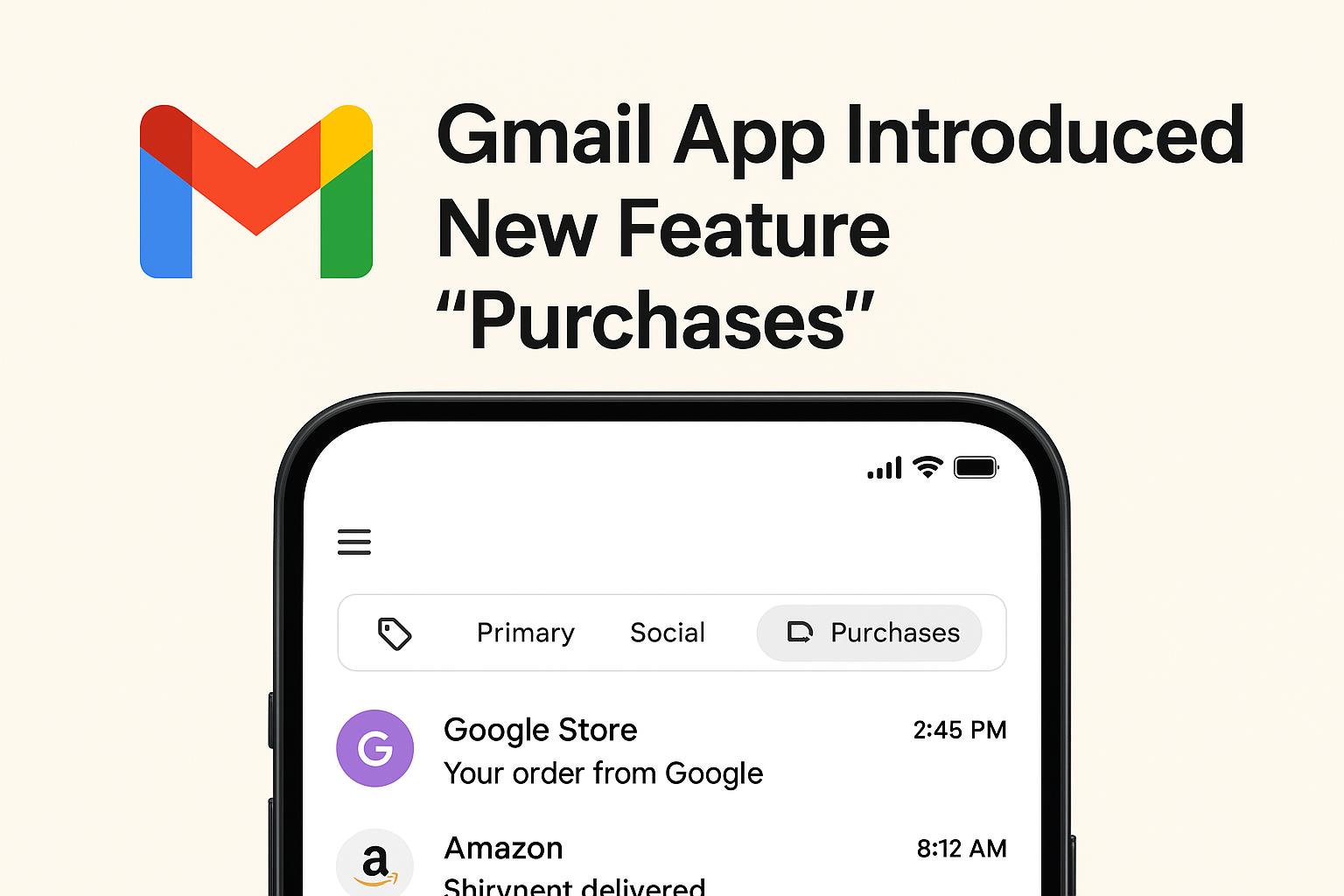
If you’ve been using Gmail for a while, you know it’s more than just an email app—it’s almost like a digital diary of your life. From travel tickets and work updates to newsletters and shopping receipts, everything ends up in your inbox. Now, Gmail has quietly added something new called “Purchases.”
So, what exactly is this feature? Why is Google adding it? And most importantly, how can you (or should you) use it? Let’s break it down in simple, human terms.
What Is the “Purchases” Feature in Gmail?
The new Purchases tab is designed to make your shopping-related emails easier to track. Instead of digging through your inbox for order confirmations or delivery updates, Gmail automatically organizes these emails into one neat place.
Think of it like this:
-
You order a phone case from Amazon.
-
You get the confirmation in Gmail.
-
Instead of scrolling endlessly to find it later, Gmail files it under Purchases for quick access.
This isn’t just convenient—it feels like your inbox got a personal shopping assistant.
Why Did Google Add This Feature?
If you look at the way we use email today, a huge chunk of it is related to online shopping. Google knows this. Every time you buy something online, the confirmation lands in your inbox. Multiply that by dozens of orders, and it’s easy to see why Gmail needs a better way to organize them.
The Purchases feature is Google’s attempt to:
-
Save time – No more scrolling or searching for “order #12345.”
-
Keep things tidy – Shopping-related emails don’t clutter your main inbox.
-
Make Gmail smarter – It learns what matters to you and groups it.
How Does It Work?
Gmail scans your inbox (just like it already does for categorizing Promotions, Social, and Updates). When it spots a receipt, order confirmation, or shipping email, it adds it to Purchases.
Here’s what you can expect inside:
-
Order details: What you bought, where, and when.
-
Tracking info: Links to shipping updates.
-
Receipts: Digital copies of your purchase confirmations.
And yes, this is all automated. You don’t need to lift a finger.
Where to Find the Purchases Tab
Right now, Google is still rolling this out, so you might not see it yet. If you do, here’s how to check:
-
Open your Gmail app on mobile.
-
Look at the bottom or side tabs (depending on your device).
-
You’ll spot a new section called Purchases.
If it’s not there yet, don’t worry—it’s probably coming soon to your account.
Benefits of the Purchases Feature
Let’s be real: most of us buy way more online than we’d like to admit. Having a tool like this can be a game-changer. Here’s why:
-
Quick access – Find past orders in seconds.
-
Less stress – No more panic-scrolling when a delivery is late.
-
Organization – Keep shopping emails separate from work or personal messages.
-
Digital receipts – Easy access for returns, exchanges, or even tax records.
Basically, it’s a small change that saves you a big headache.
Who Will Find It Most Useful?
Pretty much anyone who shops online (which is almost all of us), but especially:
-
Frequent online shoppers – If you live on Amazon or eBay, this feature is gold.
-
Small business owners – Quick access to receipts makes accounting easier.
-
Busy professionals – No more mixing purchase emails with work conversations.
-
Parents – Track kids’ school purchases, gifts, or online orders without stress.
Tips to Make the Most of Purchases
Want to get the best out of this new feature? Try these:
-
Use search inside Purchases – Find items instantly by typing brand names.
-
Link with Google Pay – For even more seamless order tracking.
-
Archive old receipts – Keep your Purchases tab clutter-free.
-
Regularly check it – Don’t wait until you’re scrambling for that return label.
Final Thoughts
The new Purchases feature in the Gmail app is a small but powerful update. It shows that Google is paying attention to how we actually use our inboxes in daily life. For online shoppers, it means less stress, more organization, and a lot less scrolling.
Sure, some people will still worry about privacy (and that’s fair), but for most of us, this is a feature worth trying out.
At the end of the day, it’s not just about managing emails—it’s about managing life a little better. And honestly, who doesn’t want that?