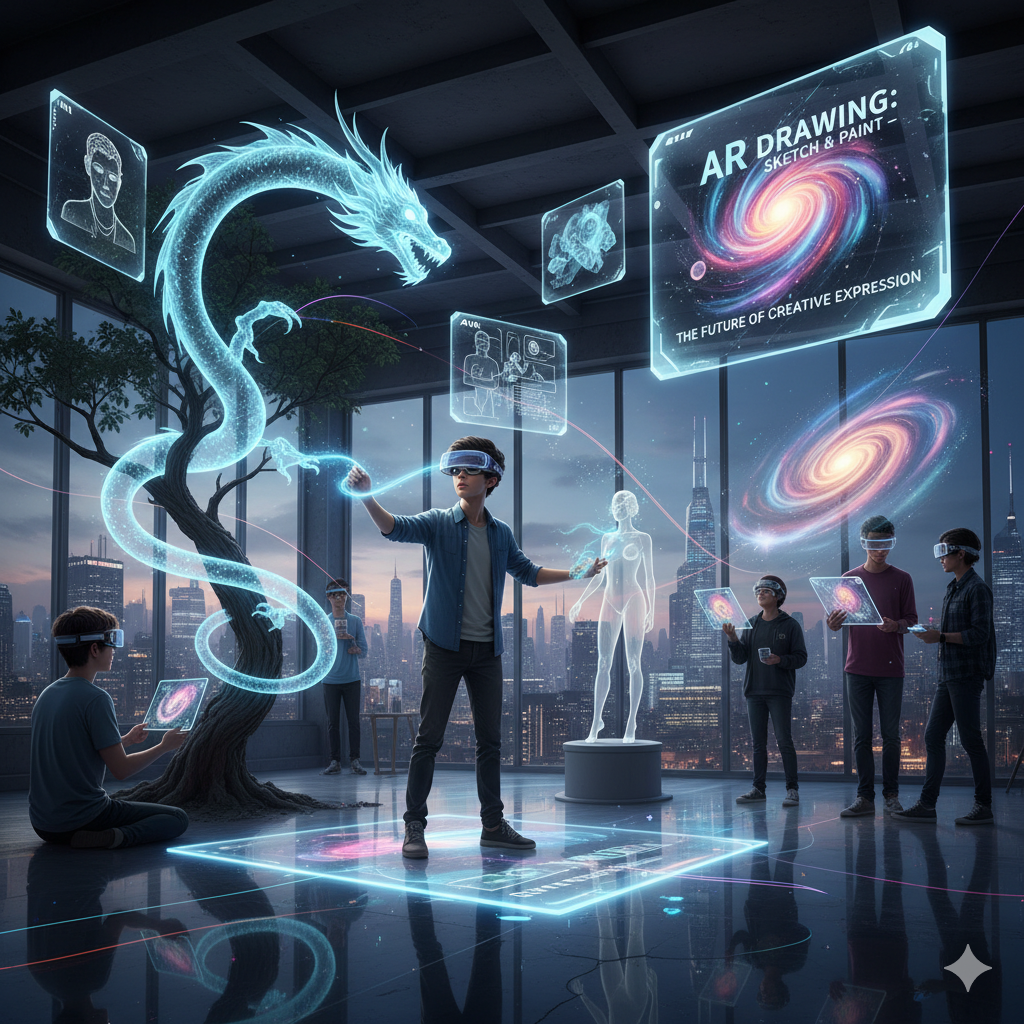
Have you ever wished you could pull your drawings out of thin air and see them come alive in the real world? That’s exactly what AR Drawing: Sketch & Paint is all about. It’s not just another art app — it’s a bridge between imagination and reality. Whether you’re a complete beginner or a professional artist, this technology opens up a whole new way of creating, learning, and having fun.
In this article, we’ll dive deep into what AR Drawing is, how it works, why it matters, and how you can use it to unlock your creative side. Grab your virtual pencil — let’s sketch this out together.
What is AR Drawing: Sketch & Paint?
AR (Augmented Reality) Drawing is a blend of digital art and real-world space. Imagine holding up your phone or tablet, pointing it at a blank wall or desk, and suddenly seeing digital sketches appear right in front of you. That’s AR Drawing.
Instead of staring only at your screen, you’re interacting with your surroundings while you create. You can trace outlines, layer designs, or even paint on virtual canvases floating in mid-air.
In simple words:
-
AR = adds digital visuals to your real environment.
-
Drawing & Painting = your creativity, but in a whole new format.
-
Result = a mix of fun, education, and professional-level tools all rolled into one.
How Does AR Drawing Work?
At first, it might sound like science fiction, but the idea is pretty straightforward.
-
Camera Input: Your device’s camera scans the environment around you.
-
AR Software: The app maps out surfaces like tables, walls, or paper.
-
Drawing Tools: You use digital pencils, brushes, or colors to create.
-
Projection: The drawing appears in your real space as if it’s physically there.
Think of it as Google Maps’ AR directions — but instead of guiding you through streets, it guides your pencil strokes.
Why AR Drawing is Changing the Game
You might wonder: Why not just stick to traditional sketchbooks or digital drawing tablets? Fair question! But AR Drawing: Sketch & Paint brings something unique to the table:
1. A New Way to Learn
Kids and beginners can trace shapes, letters, or even cartoon characters in real time. It’s like having a teacher’s hand guiding yours — but cooler.
2. Stress-Free Creativity
Making mistakes on paper can feel frustrating. With AR, you can undo, redo, and experiment without fear.
3. Blending Worlds
You’re no longer limited to a flat page. You can sketch a 3D flower pot on your real desk or paint wings on your friend’s back (virtually, of course).
4. Accessibility
No fancy art supplies needed. All you need is your smartphone or tablet.
5. Professional Potential
Architects, designers, and animators can use AR Drawing to preview ideas directly in a real-world setting.
Best Features of AR Drawing: Sketch & Paint
Let’s break down what makes these apps so exciting.
-
Tracing Mode: Project outlines onto paper and trace them step by step. Perfect for learning.
-
3D Sketching: Draw objects that seem to float in the air.
-
Color Palettes: Experiment with unlimited shades without buying expensive paints.
-
Interactive Lessons: Some apps offer tutorials for beginners to advanced levels.
-
Save & Share: Capture your AR artwork and share it instantly with friends.
How to Download AR Drawing: Sketch & Paint from the Play Store
Getting started with AR Drawing: Sketch & Paint is super easy. You don’t need any complicated setup or extra equipment. All you need is your Android smartphone or tablet and a few minutes.
Here’s a simple step-by-step guide:
-
Open the Google Play Store
Unlock your phone, find the Play Store app, and tap on it. -
Search for “AR Drawing: Sketch & Paint”
Use the search bar at the top and type the app’s name. -
Select the Correct App
Look for the official app (usually with high ratings and many downloads). -
Tap Install
Hit the green Install button. The app will download and set itself up automatically. -
Open and Start Creating
Once installed, tap Open and explore. You’ll find options like tracing mode, free drawing, and 3D sketching right away.
Tips Before Downloading
-
Make sure your device supports ARCore (most modern Android phones do).
-
Have at least 200 MB of free storage for smooth installation.
-
Connect to Wi-Fi if you want faster download speed.

Who Can Benefit from AR Drawing?
AR Drawing isn’t just for one type of person. Here’s who can get the most out of it:
Students and Kids
Learning letters, shapes, and drawing skills becomes fun instead of a chore.
Artists
Experiment with bold ideas without wasting paper or supplies.
Teachers
Engage students with interactive lessons that mix art and technology.
Designers
Visualize concepts in real-world settings before finalizing them.
Everyday Users
Even if you’ve never drawn before, AR apps make doodling and painting enjoyable.
Popular AR Drawing Apps You Should Try
If you’re curious to test it out, here are some names you’ll come across:
-
AR Drawing: Sketch & Paint – A simple, beginner-friendly app.
-
SketchAR – Offers tracing and AR tutorials.
-
Just a Line (by Google) – Lets you draw simple white lines in AR space.
-
Assemblr Studio – For more advanced 3D creations.
Tips to Get Started with AR Drawing
If you’re trying AR Drawing: Sketch & Paint for the first time, here’s how to make the most of it:
-
Start with tracing mode to get comfortable.
-
Experiment with different surfaces — walls, floors, notebooks.
-
Use simple objects like cups or chairs as backgrounds for your art.
-
Take screenshots or videos to track your progress.
-
Don’t aim for perfection — have fun with the process.
The Future of AR Art
We’re just scratching the surface (pun intended). As technology evolves, AR Drawing will likely include:
-
AI-Powered Suggestions: Helping you improve your strokes in real time.
-
Collaboration Mode: Drawing together with friends in the same AR space.
-
Integration with VR: Moving from augmented to fully immersive creative worlds.
-
Professional Tools: Advanced brushes, textures, and 3D modeling.
Imagine attending an art class where the teacher and students draw together in mid-air, each person seeing the same shared artwork floating between them. That’s where we’re heading.
Final Thoughts
AR Drawing: Sketch & Paint isn’t just a tech gimmick. It’s a fun, educational, and professional tool that’s shaping the way we think about creativity. Whether you’re a kid doodling your first cartoon or a designer sketching out a big project, AR brings your ideas into the real world — literally.
So the next time you feel like picking up a pencil, maybe reach for your phone instead. Who knows? The walls around you might just become your next canvas.