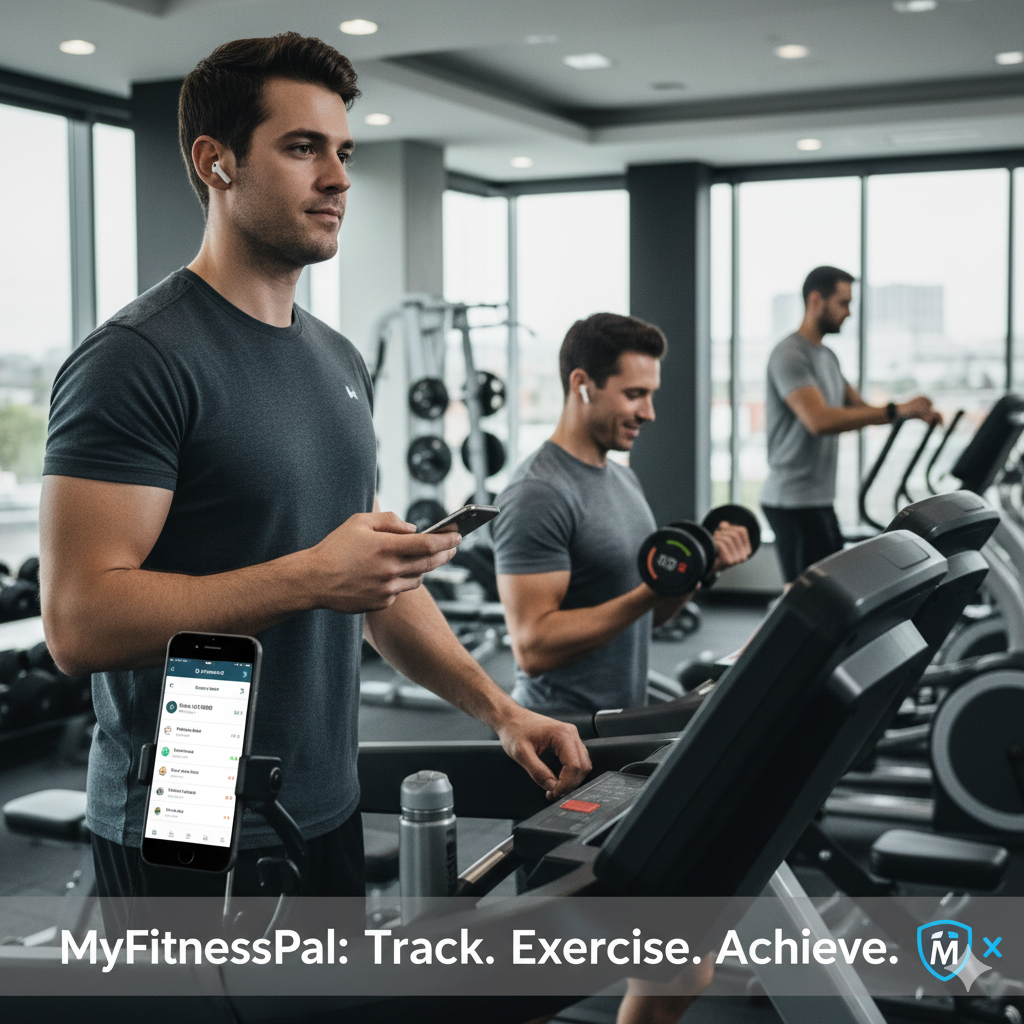
Can You Download MyFitnessPal on a PC?
Many users wonder if MyFitnessPal offers a direct download for computers. Currently, there is no official standalone MyFitnessPal app for Windows or Mac PCs. However, you still have two reliable ways to access MyFitnessPal on a computer:
Using the MyFitnessPal Website
-
Open your favorite browser (Chrome, Safari, Edge, or Firefox).
-
Visit www.myfitnesspal.com.
-
Sign in with your account or create a new one.
-
From here, you can log meals, track calories, check nutrition details, and review your progress.
Using a Desktop App Wrapper (WebCatalog)
-
Go to webcatalog.io.
-
Download and install WebCatalog for Windows or Mac.
-
Inside WebCatalog, search for MyFitnessPal.
-
Install the MyFitnessPal desktop wrapper to use it just like a native app.
This makes MyFitnessPal easily accessible on a PC, even though the company hasn’t released an official desktop app yet.

How to Install the MyFitnessPal App on Your Device
If you prefer using MyFitnessPal on your smartphone or tablet, you can install it directly from your device’s app store. Here’s how:
For Android Devices
-
Open the Google Play Store.
-
Search for MyFitnessPal.
-
Tap Install to begin downloading.
-
Once finished, tap Open to start using the app.
For iOS (iPhone/iPad)
-
Open the App Store.
-
Tap the Search tab and type MyFitnessPal.
-
Select the official MyFitnessPal app and tap Get.
-
Confirm with Face ID, Touch ID, or your Apple ID password.
-
Tap Open to launch MyFitnessPal after installation.
For Huawei Devices
-
Open the AppGallery.
-
Search for MyFitnessPal.
-
Tap Install and wait for it to download.
-
Open the app and log in to start tracking your meals and workouts.

MyFitnessPal Expands Device Accessibility
While MyFitnessPal has not yet launched an official desktop application, the platform offers both a robust website and powerful mobile apps. This means you can access the service from almost any device—whether you’re tracking calories on your phone, logging exercise on your tablet, or reviewing your progress directly on your computer.